
Account
Open your account from the profile menu in the sidebar — click Account Settings, or click the gear icon next to it.
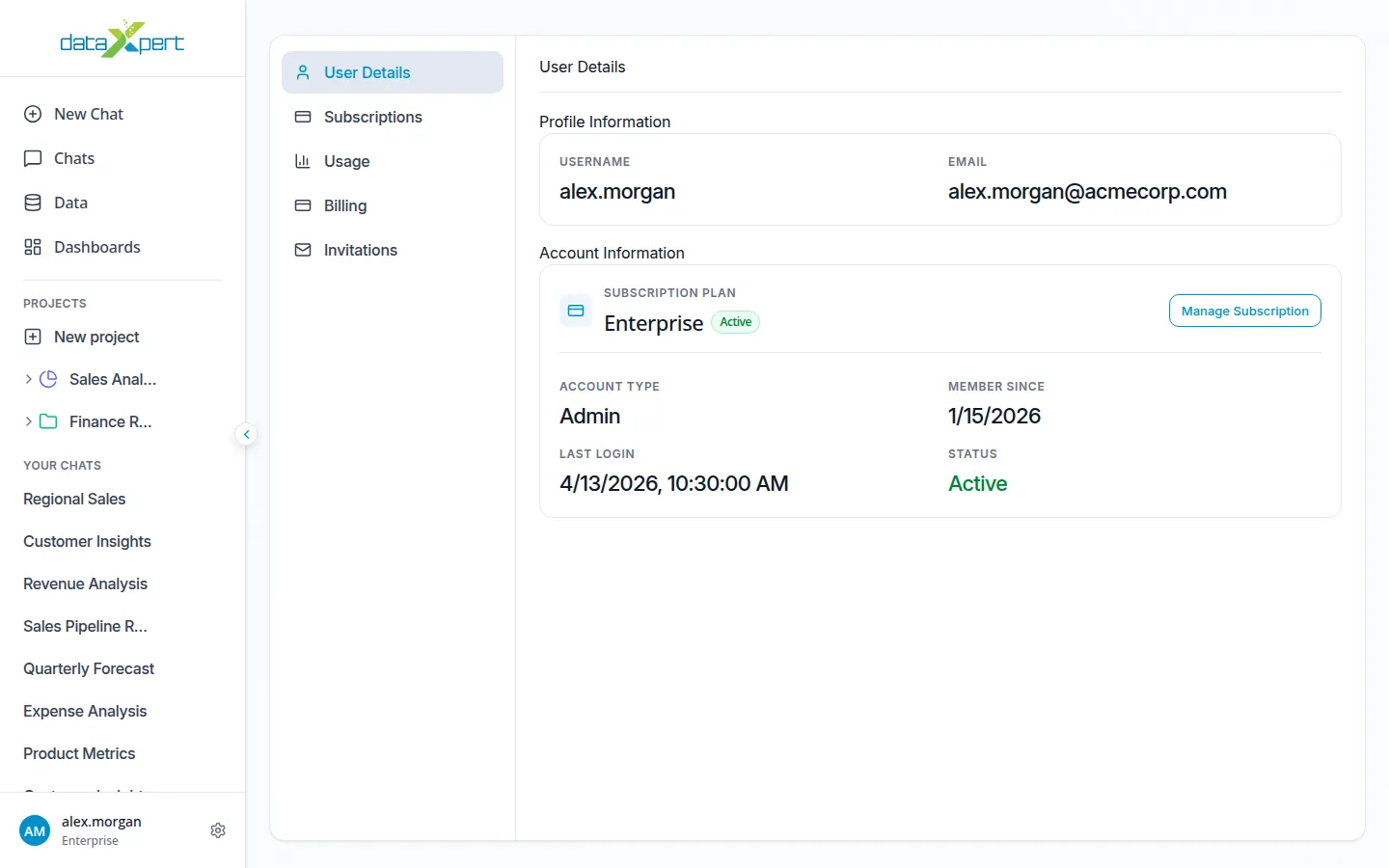
The account screen is split into tabs in a left sidebar. Some tabs only appear in certain contexts.
| Tab | Visible to |
|---|---|
| User Details | All users |
| Subscriptions | All users |
| Usage | All users |
| Billing | Personal paid plans, and organization owners |
| Invitations | All users |
| Team Analytics | Organization owners only |
| Team Members | Organization owners and admins |
User Details
Section titled “User Details”Shows your profile information:
- Display name
- Email address
- The plan you’re on
For paid personal plans (and for organization owners and admins), the User Details tab also has a Manage Subscription button that opens a secure billing portal.
To change your password, log out and use Forgot password? on the login screen.
Subscriptions
Section titled “Subscriptions”See the live plans with prices, billing intervals, and what each one includes. From here you can:
- Switch between monthly and annual billing.
- Pick a personal plan to upgrade.
- Set up a Team plan with a name and seat count.
- Open a plan’s detail page to see exactly what’s included.
Track how much of your plan you’ve used in the current period. The page shows each metric your plan covers, including:
- Spreadsheet uploads
- Document uploads
- Database connections
- Cloud storage
- Chat queries
- Dashboards
- Token usage
Billing
Section titled “Billing”Manage your payment method and invoices through the secure billing portal. Click Manage Subscription to open the portal, where you can update payment details, view invoices, and change or cancel your subscription.
Invitations
Section titled “Invitations”If someone has invited you to an organization, the invitation appears here. Accept or decline from this tab.
Team Analytics (org owners)
Section titled “Team Analytics (org owners)”View team-wide usage metrics, including per-user activity.
Team Members (org owners and admins)
Section titled “Team Members (org owners and admins)”Manage your organization’s members, invite new members, and track seats. See Organizations & Teams for details.